Some Words From Your Webmaster

How This Page Can Help You
I have been so fortunate and blessed to have gained so much knowledge of the technology world that we live in today. For the last twenty-nine years, I have been blessed to have the opportunity to own and operate my own computer consulting firm here in Houston, Texas. Many thanks to our Lord and Savior Jesus Christ, and also to my family who stressed the importance of a good education. Having creditials when I moved to Houston some forty years ago allowed this opportunity. Over those years I have learned a great many things and this page has been created so that I can give back some of what I’ve learned to the mcsyd.com family.
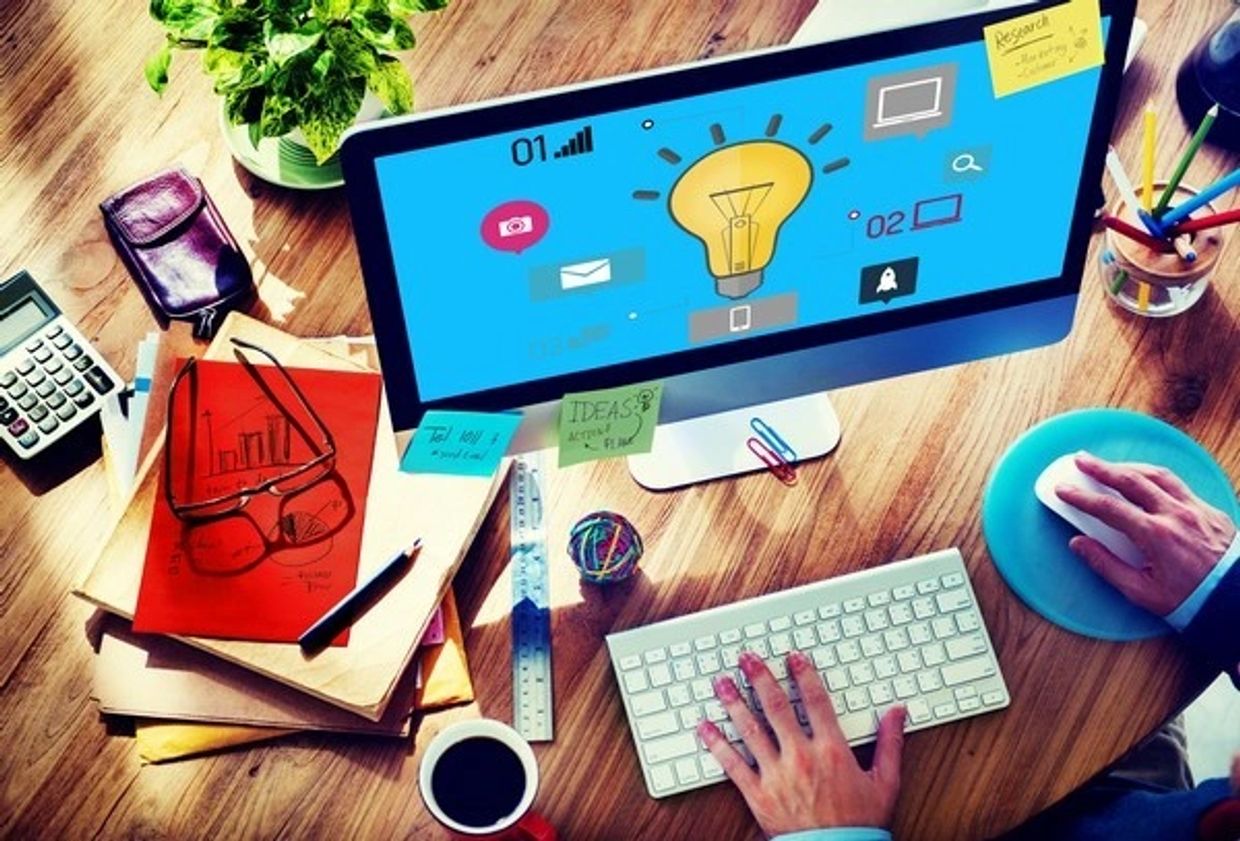
How technology is helping me stay on top of my "Game"
Face it people, some of us are getting old!
The statement above will always be true, not false. With age comes a decrease in short-term memory for most. As we age our goal should be to decrease the number of times we say, "oh shit I forgot to do that", especially if it is something important.
With that in mind, I thought I would take some time to tell people how I use technology to help me stay on top of my game as long as I can. Before I begin, I need to say what works for me may not work for you, but honestly I think a lot of things will work.
Although many young people think they're on top of everything, we old folks know that's not totally true either. So some of what I share today can help people of all ages.
The three major technology devices that I use daily are the smartphone, the desktop computer, and the laptop computer.
PHONE APPLICATIONS
The phone without doubt is the most widely used tool in most of the things I have to keep track of. Because it is an electrical device, it is imperative that it is charged and usable for 24 hours a day. Therefore I have two cordless stations, one on the first floor of my house, and the other next to my bed upstairs. Of course I also have backup battery packs, etc.
Below is a list of daily things I use the phone for and in no particular order:
- Communicating of course - calls and messages. Apps such as Google Chrome, calendar, reminders, notes, shopping, scheduled events, weather, notifications, news, photos, videos, flight simulator, doctor appointments, calculator, etc.
- Accessories for phone include: bluetooth ear buds, cord/cordless chargers, wireless keyboard, bluetooth speakers, car, tv, bluetooth game controller,
Examples:
- Everyday I update the calendar app by inputting things that are scheduled. Work assignments, appointments, birthdays, scheduled events, etc. A lot of these things we forget and then have to scramble to get it done.
- I also input on my Reminder app things I need to do with an automatic reminder message. (Example: Pickup contact lens ordered from Sam's; List items I need to buy at the Joe V's grocer. With the reminder app, the items delete automatically when you check them off.
- Notes app is very important. Use it to house all those passwords you can't remember quickly. Take a note of anything you need to remember for future reference. Important! Name note so you can recall it.
- Weather app is very important. It will help you plan travel and outdoor activities. My iPhone 17 pro max when wireless charging will always display the current weather conditions, time, and date automatically.
Examples Continued
- notifications app - constantly notifies you of incoming information that you have requested. Boarding passes are easily available on your device. Payments scheduled alert you, and so much more.
- Game apps - entertain you when you're waiting or bored with your time.
- Calculator app - always need that especially when shopping, paying bills or figuring out a tip.
- Timer app - when cooking, exercising, or repairing things.
- Banking app - Paying someone instead of writing a check. Checking immediately for fraud on your account.
- Health apps - literally track your physical condition, whether you are physically engaged or at rest.
If you don't have an app or the one you're using isn't working well, you can download Apple iOS apps from the App Store, and Android apps from Google Play Store.
COMPUTER APPLICATIONS
The computer has has all the apps that the phone has and more importantly, it communicates with everything on the phone. The biggest advantages of the computer versus the phones is size of screen, memory and storage. My phone has a 6.9" screen versus 55" on the computer. Everything looks way better and true on the computer.
My phone has 256GB 256 billion bytes of storage whereas my Mac has two (2) Terrabytes (2 trillion bytes) of storage. I could probably publish our family website on the phone, but a major hassle it would be and I would run out of storage space.
Bottom line, I can travel anywhere in the world with my information and the technology will keep me in the game and up-to-date with my on-goings. Using your technology also will make you more capable to keep up with this fast moving world we live in.

Put down that damn phone when you drive!
Save Your ASS! Put down that damn PHONE when you drive.
This problem is very serious indeed and it bugs the hell out of me. Why? People are destroying themselves as well as so many innocent people around them. True, God gave us so many abilities that include multitasking skills. However, I do not believe driving and paying more attention to a mobile device is a skill he wanted us to have. Try and remember the 3 second rule when driving. It states drivers should stay safely behind other drivers within a three second count regardless of the vehicle speed.
That means with your eyes looking dead ahead out of the windshield, within three seconds you can avoid an accident because you have enough time to see it coming and veer off and away. Three seconds can happen awful quick if your eyes are on that device. When you look up it may be too late.
Some states like Texas have Distracted Driving Laws in place but at the current time I do not believe they are saving lives. Why? Well the Po Po is supposedly to be looking out for offenders of these laws, however they too are distracted because they’re looking at their screens and only the Lord knows what they're viewing.
Apple Computer is trying to help with this problem by having their iPhone inform callers that the person they are trying to reach is driving their vehicle and cannot take calls or messages until the vehicle stops. I LIKE IT. Android phones can download the app Android Auto and it will function basically the same using your voice to control everything. Of course the end-user still has the ability to turn off this feature. BAD IDEA. If you truly think that the world revolves only around you and you must communicate with the world at every second of the day, then take this advice, hire a chauffeur.
SAVE LIVES DON’T TAKE THEM AWAY!